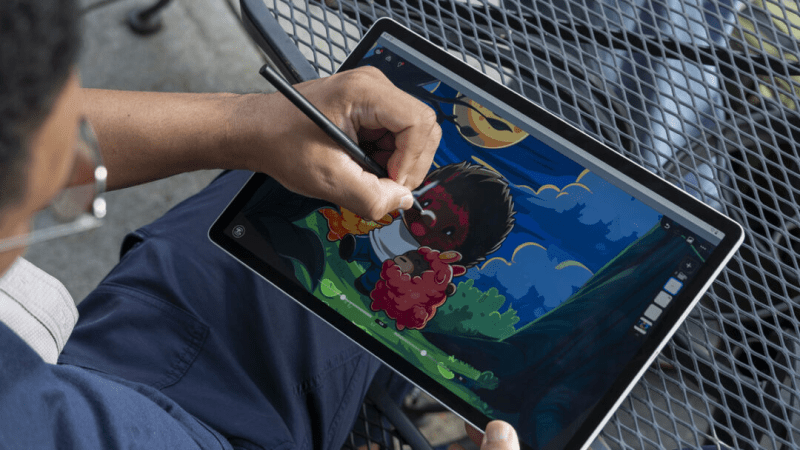
The Wacom MovinkPad Pro 14 is the device artists have been dreaming of: a powerful, standalone OLED tablet that instantly transforms into a professional PC pen display with a single cable.
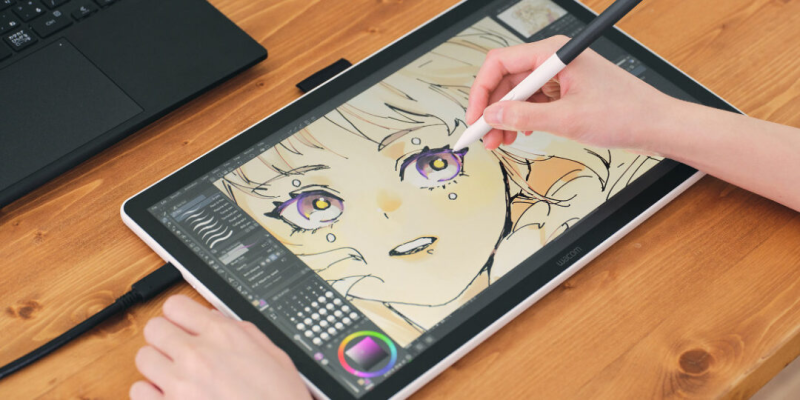
For years, digital artists have faced a difficult choice: buy a standalone tablet (like an iPad) for portability but deal with simplified apps, or buy a Wacom Cintiq for professional desktop software but be tethered to a desk. The Wacom MovinkPad Pro 14 ends the debate by doing both—and doing them brilliantly. It is arguably the most versatile piece of hardware Wacom has ever released.
Stunning OLED Canvas
The centerpiece of this device is its breathtaking 14-inch OLED display. With a resolution of 2880 x 1800 and a silky-smooth 120Hz refresh rate, drawing feels instantaneous and incredibly fluid. Because it uses OLED technology, you get true blacks and infinite contrast, meaning your artwork looks vibrant and accurate regardless of the lighting conditions. Wacom has also etched the glass to provide that signature “paper-like” friction, giving you the tactile control that glossy tablets simply can’t match.
A Standalone Powerhouse
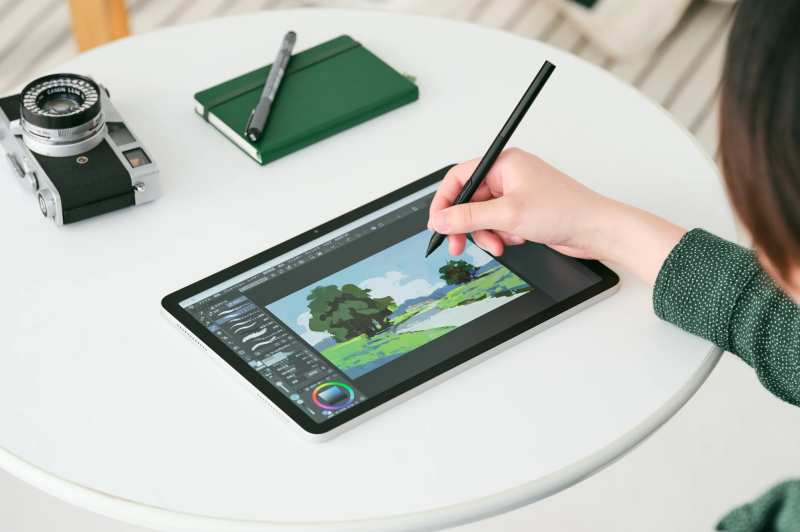
Unlike the original Movink display, the “Pad” series is fully standalone. Running on Android 15 and powered by the Snapdragon 8s Gen 3 processor, the MovinkPad Pro 14 is a beast for mobile creativity. You can run full versions of Clip Studio Paint or HiPaint anywhere—on a train, in a park, or on your couch—without needing a computer. With a massive 10,000 mAh battery, it offers hours of uninterrupted sketching time.
The “Instant Display” Magic Trick
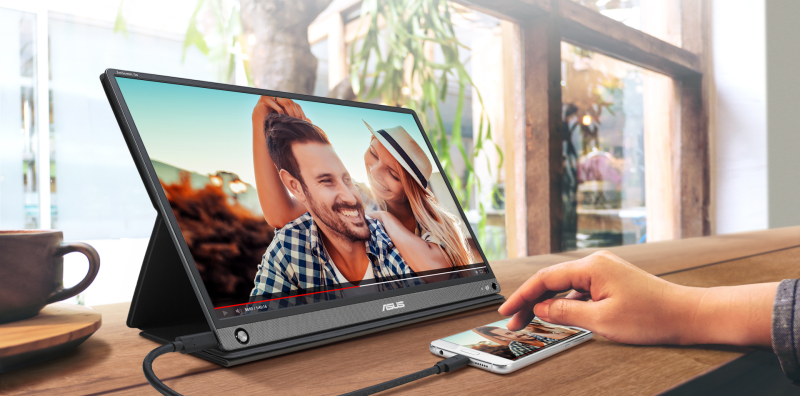
This is the feature that changes everything. When you return to your studio, you don’t need to put the MovinkPad away. You simply plug it into your Mac or PC via a single USB-C cable, and it instantly switches to “Pen Display Mode.” It becomes a traditional Wacom Cintiq, allowing you to use full desktop applications like Photoshop, ZBrush, or Blender with the same screen and pen you were using on the go. It effectively replaces two expensive devices with one.
Pro Pen 3: No Batteries Required
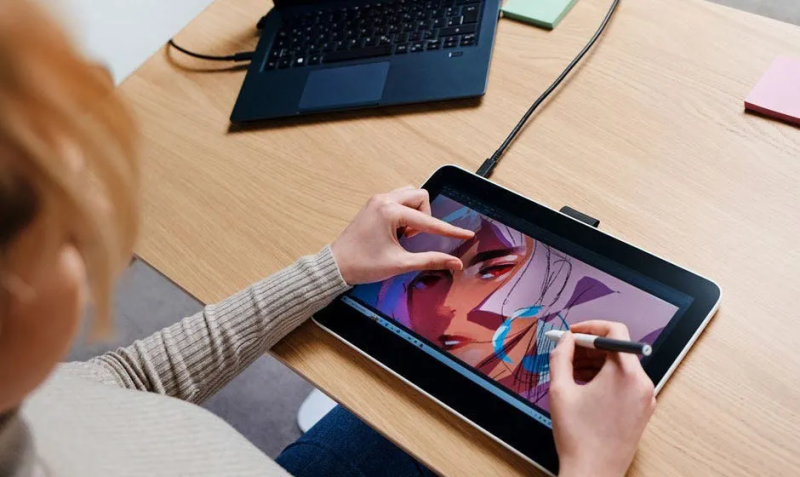
It wouldn’t be a Wacom without the industry-leading stylus. The MovinkPad comes with the Wacom Pro Pen 3, which is entirely battery-free. It features 8,192 levels of pressure sensitivity, tilt support, and unmatched precision. Because it draws power from the screen’s electromagnetic resonance (EMR) field, you never have to charge the pen, ensuring your flow is never broken by a dead stylus.
The Wacom MovinkPad Pro 14 is a triumph of convergence. It offers the freedom of a tablet with the power and legacy of a Wacom Cintiq, finally giving professional artists a single tool that can truly do it all.
Where to buy:







 Cute Tech Gadgets
Leave a comment